So… what the heck is a handle, anyway?
If you’ve ever opened Shopify and felt like you needed a translator, you’re not alone. Between theme settings, product uploads, and that little thing called “alt text,” it can feel like you’re building a store in a foreign language.
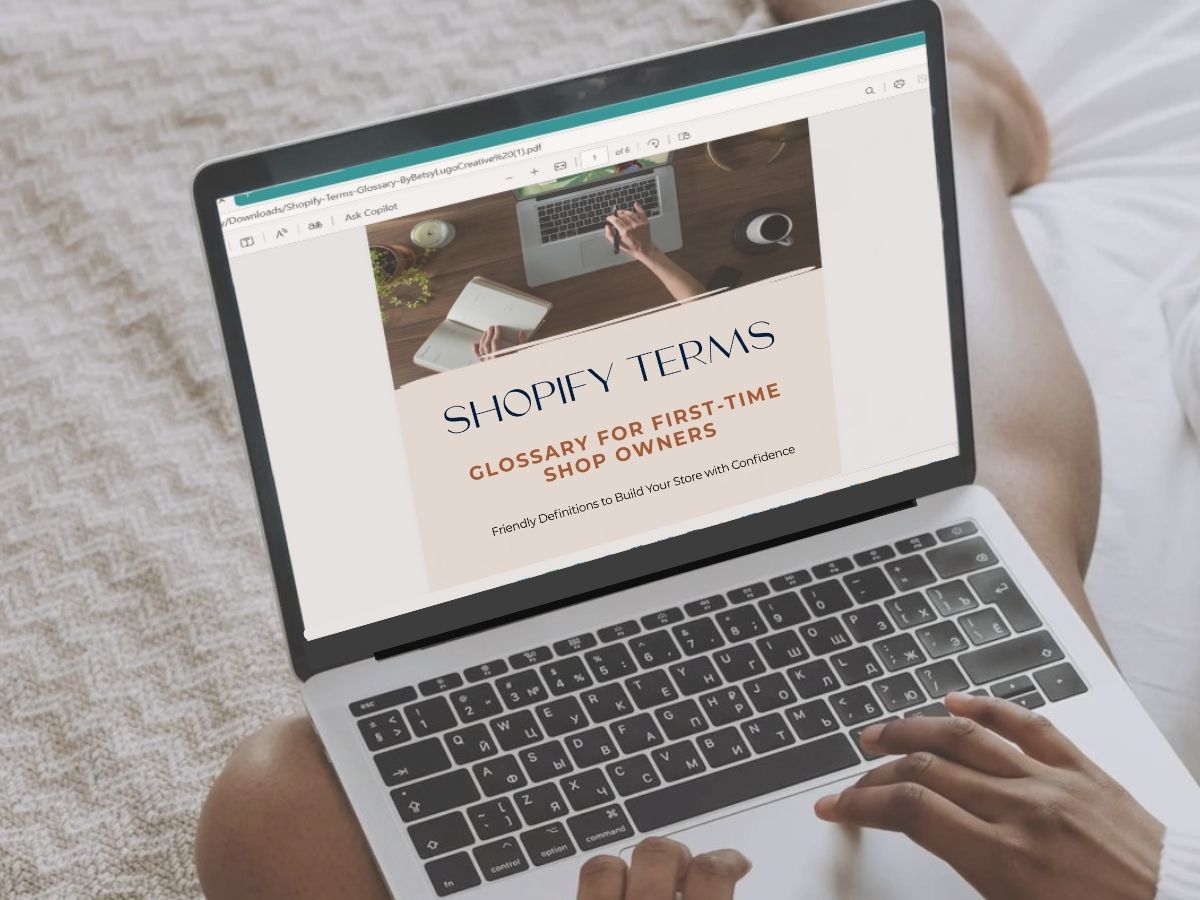
This glossary is your friendly guide to the most common Shopify terms you’ll run into as you build your store. No gatekeeping. No jargon. Just clear, simple definitions so you can feel empowered instead of overwhelmed.
Whether you’re DIY-ing your store or working with a designer (hi, friend!), these definitions will help you:
- Launch with more clarity and less “what does that mean?” panic
- So let’s break it down, together.
- Understand what you’re clicking on (and why)
Make smart design decisions
🎨 Store Design & Layout
Anchor Links
Links that jump to a specific part of a page. Great for long pages like FAQs so users can quickly find what they need.
🔗 Want to add these to your store? Learn how to use anchor links in Shopify
Announcement Bar
A slim strip at the top of your site. Use it to highlight free shipping, restocks, or special sales.
Customizer
Where you visually edit your theme. Add sections, change fonts, update colors, and preview changes in real time.
FAQ Page
A full standalone page dedicated to answering your customers’ most asked questions. Saves you time and builds trust.
FAQ Section
A part of a page (usually homepage or product page) that answers common customer questions like shipping, returns, or product use.
🔗 Need help with yours? Here’s how to write a helpful FAQ section on Product Pages
Favicon
The mini icon in a browser tab when your site is open. Usually a small version of your logo.
Footer
The bottom of your website. Typically includes links to policies, social media, and contact info.
Homepage Banner / Hero Section
The first large area on your homepage. Usually includes a big image, a headline, and a button. Great for featuring a top product or promo.
Responsive Design
Your site automatically adapts to different screen sizes. Most Shopify themes are responsive, but it’s still smart to test how things look on mobile.
Section
Blocks of content like image banners, featured products, or testimonials. You can add, remove, or rearrange them to customize each page.
Sticky Header
A menu that stays visible at the top of the screen while someone scrolls.
Theme
Your store’s outfit. It controls the look, layout, and style of your website. Shopify has free and paid themes, and all can be customized.
🔗 Not sure which theme to choose? Read: 10 Popular Shopify Themes

🛒 Product & Inventory
Collections
Groups of products. Think: “Fall Favorites,” “Under $50,” or “Gift Ideas.”
Collection Page
A page that displays all the products in a specific collection. Often used for categories like “All Candles” or “Holiday Gifts.”
Collection List
A section (often on your homepage) that showcases multiple collections at once, like “Shop by Category.”
Draft Product
A product that’s saved but not published. Handy if you’re still working on photos or details.
Product Variants
Different versions of one product (like color, size, or scent). Shopify lets you create variants under a single listing.
Sticky Header
A menu that stays visible at the top of the screen while someone scrolls.
🌐 Website Structure Terms
Accelerated Checkout
A faster checkout process that saves returning customers’ info for quicker purchases. Think Shop Pay, Apple Pay, and Google Pay.
Branded Email
An email that matches your domain (like hello@yourstorename.com). Looks more professional and builds trust.
🔗 Do you need one? Yes, here are 7 reasons why a branded email is needed
Cart Drawer
A mini cart that slides out when someone adds an item. Lets customers keep browsing without leaving the page.
Checkout Page
Where customers enter shipping and payment info. Shopify handles this, but you can customize colors and your logo.
Domain
Your store’s web address, like www.yourstorename.com. Shopify makes it easy to buy or connect your domain.
Dynamic Checkout Button
A one-click button on product pages that shows the customer’s preferred payment option (like Apple Pay). Skips the cart and goes straight to checkout.
Navigation Menu
Your site’s main menu. Helps customers move between pages like Home, Shop, or Contact.
Page
Static content like About, Contact, or FAQ. Built in the “Pages” section of Shopify.
Policies
Legal info like your Refund Policy, Privacy Policy, and Terms of Service. Shopify has templates to get you started.
🔗 Need a quick win? How to create your own Privacy Policy pages in minutes
Sales Channel
Where your products are sold (like online store, Instagram, or Facebook Shop).
📈 SEO & Marketing Terms
Alt Text (Alternative Text)
A short description of an image for accessibility and SEO. Think: “White ceramic mug on wooden desk.”
Apps
Extra features you can add to your store, like reviews, popups, or loyalty programs. Some are free; others are paid.
Conversion
When someone takes the action you want (like making a purchase or signing up for your email list).
Handle
The URL-friendly version of a product or page title. Example: yoursite.com/blue-mug. Shopify creates these automatically, but you can edit them.
Meta Description
The short summary that appears under your link in search results. You can customize this in your product or page settings.
You don’t need to memorize everything here. You’re learning as you go—and that’s exactly how you’re supposed to do it.
Pssssst…. You can 📌 pin this tutorial for reference to your Shopify Board on Pinterest! 👍🏽
Most Misunderstood Terms:
Meta Title vs. Product Title
Let’s clear this one up once and for all because they’re not the same thing (even though they sound like it).
Product Title
The name of your product that shows on your site in your product listings, search results, and during checkout. It’s what customers see first, so keep it clear and recognizable. Example: “Lavender & Vanilla Soy Candle.”
Meta Title
The title that appears in Google search results and browser tabs. It’s meant for SEO, not your customer’s eyes on the page. Keep it short (under 60 characters), keyword-rich, and clickable. Example: “Scented Soy Candles | Handmade in Austin.”
Why It Matters
If you use the same phrase for both, you might miss out on traffic or confuse shoppers. Use your meta title to attract clicks from Google. Use your product title to sell the item once they land.
You Don’t Need to Memorize Everything Here.
You’re learning as you go and that’s exactly how you’re supposed to do it.
Need help putting all this into practice? Check out my Shopify Pre-Launch Checklist or explore Done-With-You Design Services for first-time shop owners.
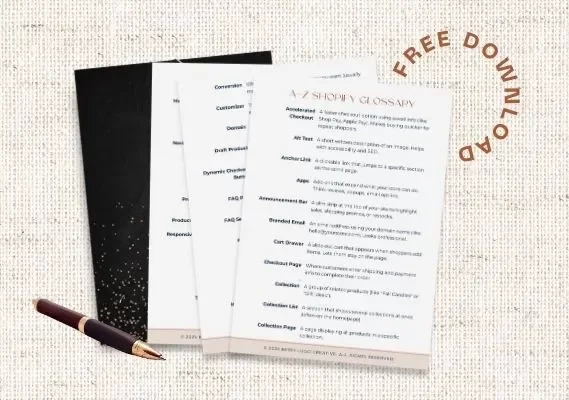
Want a printable version of this glossary? 👇🏽